
Add your family by voice: say the names, and Nasayeb writes them into the tree
So much of what we know about our families is never written down. It is said: a grandmother counting her children one by one, an uncle recalling his grandfather's wives and the years they married. So we gave Nasayeb a second way to build the tree: talking.
From the person themselves
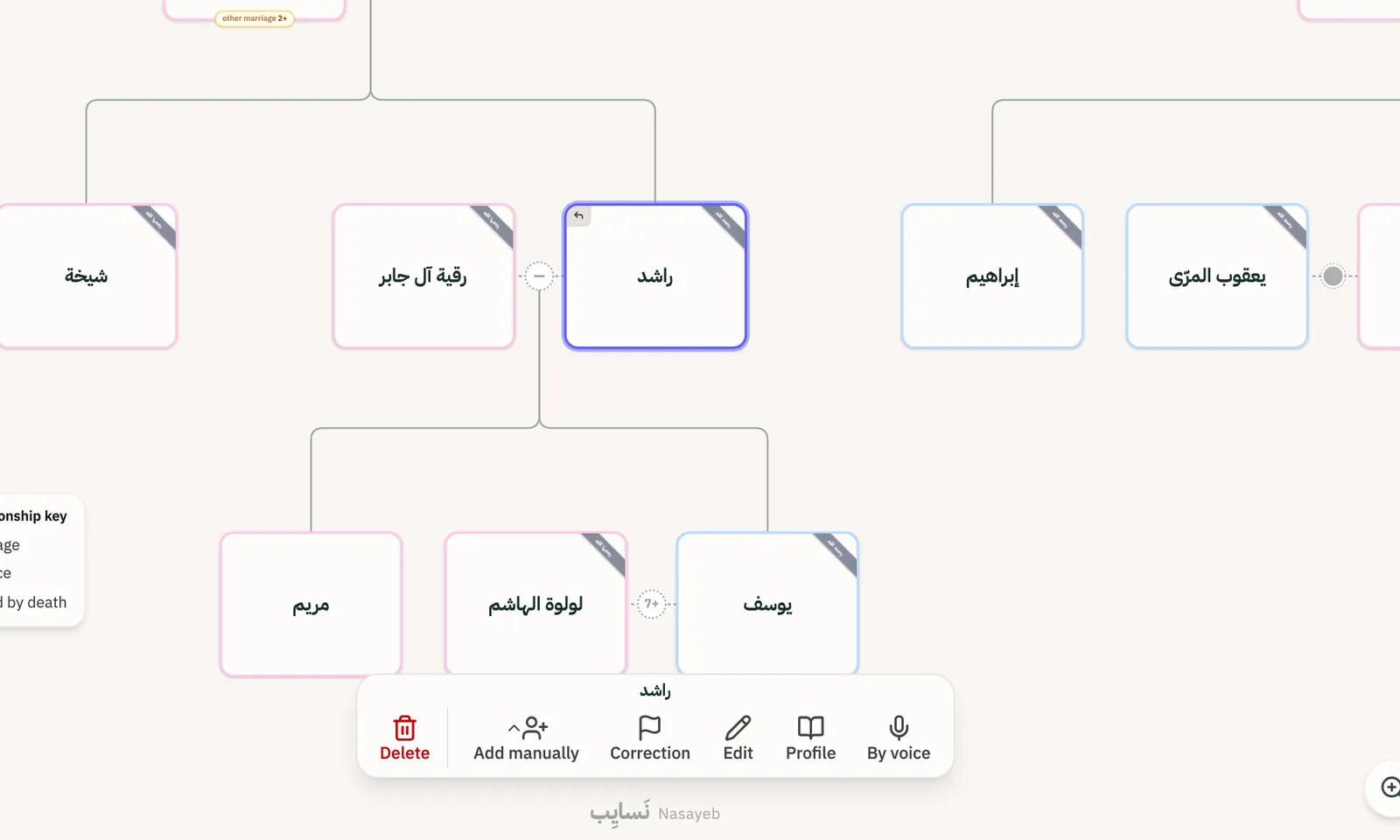
Open the family tree and tap anyone. A small bar appears under their card: By voice, Profile, Edit, Correction, Add manually. “By voice” comes first, because it is the quickest way to add what you know while looking at the person.
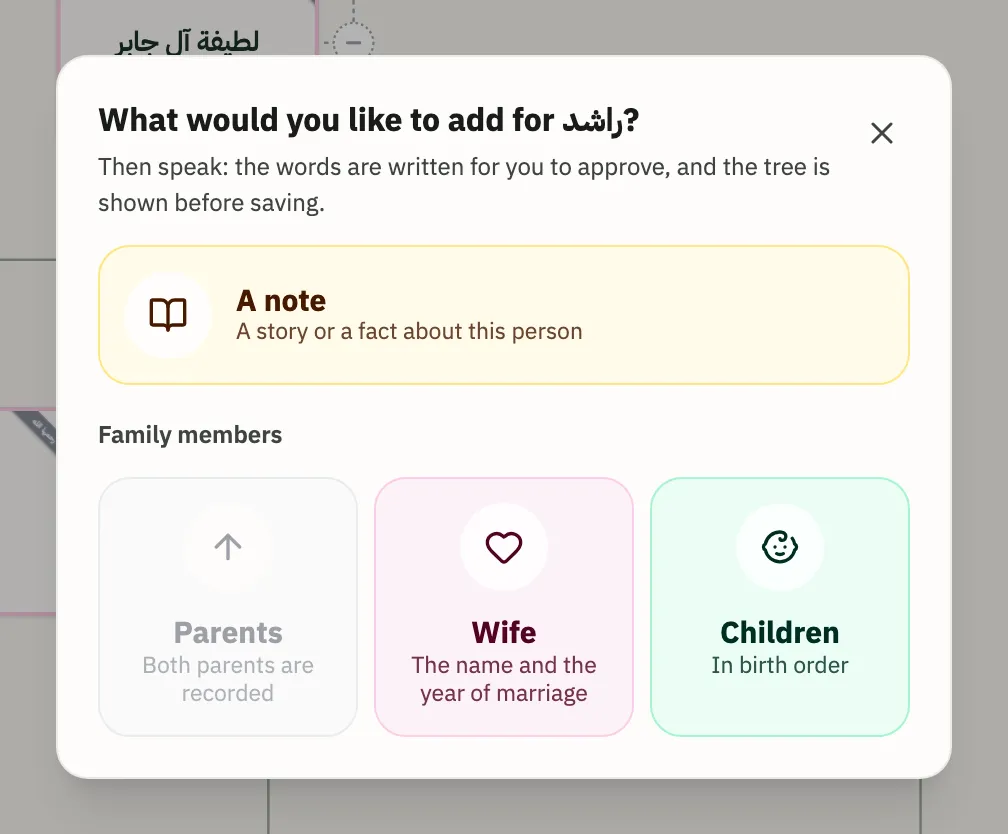
What would you like to add?
Nasayeb first asks what you want to add for this person: a note, a story or a fact about them, or family members: their parents, their wife with the year of marriage, or their children in birth order. Then you talk the way you would in the majlis: “his children are Abdulaziz, Hamad and Joud.”
Nothing is saved before you see it
Your words are written out as text you can check and correct. Then you see the tree as it will look before saving: who is added, under whom, and in what order. If a name was misheard, fix it by hand, then save. Everything saved goes into the change history, so it can be undone later.
A microphone in every field
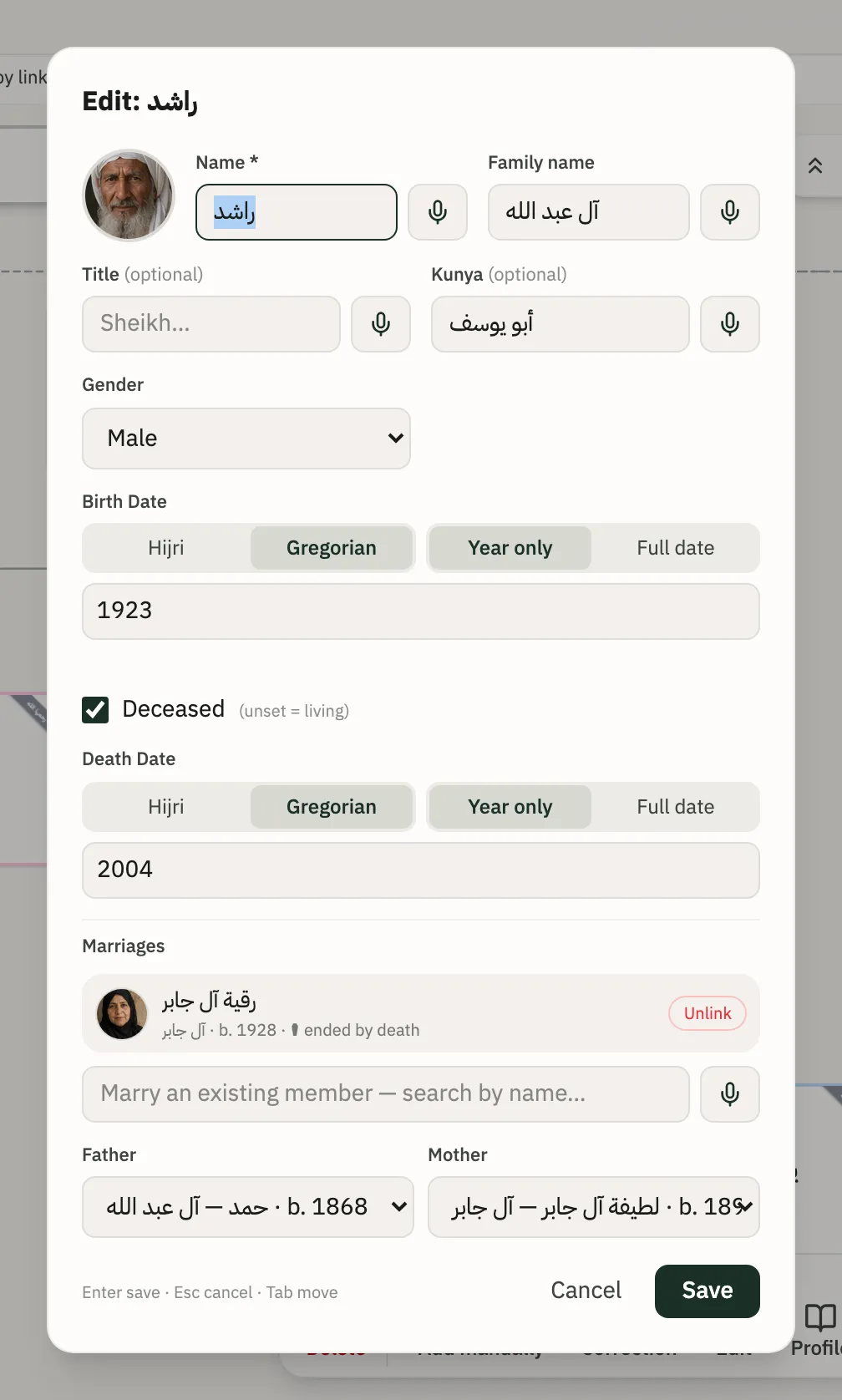
Dictation is not only in that button. In the edit window every field has a small microphone beside it: name, family name, title, kunya, marriage. So does the correction window, and notes. Type where typing is easy; talk where talking is easier.
Who is this for?
- Elders who remember every name but dislike keyboards.
- Family gatherings: the elder talks, a younger relative holds the phone and checks what was written.
- Long, compound Arabic names that are tiring to type on a phone.
Try it now
Open the demo, pick anyone in the «آل عبد الله» family and press “By voice”. Everything you add stays in your own copy and is deleted after three hours.