
Photos: from the old box to the tree
Every home has a box or an old album full of faces only a few people can still name. The Nasayeb gallery is a place for those photos, connected to the tree: each photo knows who is in it, and each person finds their photos on their page.
The gallery
Upload photos from your phone or computer, sort them into folders, and give them labels such as “Portrait” or “The fifties”. Browse them one large photo at a time with a strip of thumbnails, or as a grid that shows many at a glance.
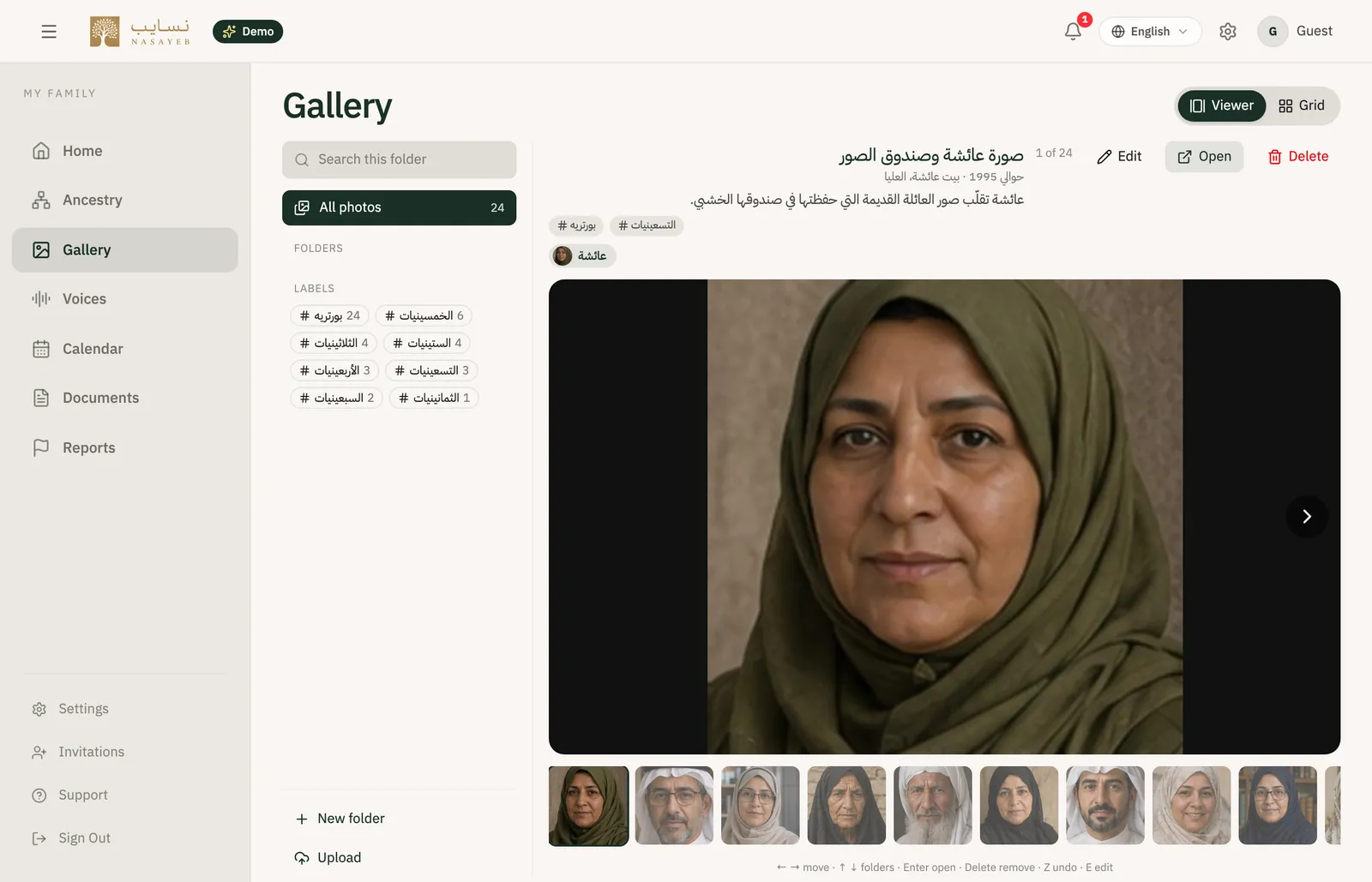
Descriptions in place
Title, description, date and place are written right under the photo, without leaving the page, together with its labels.
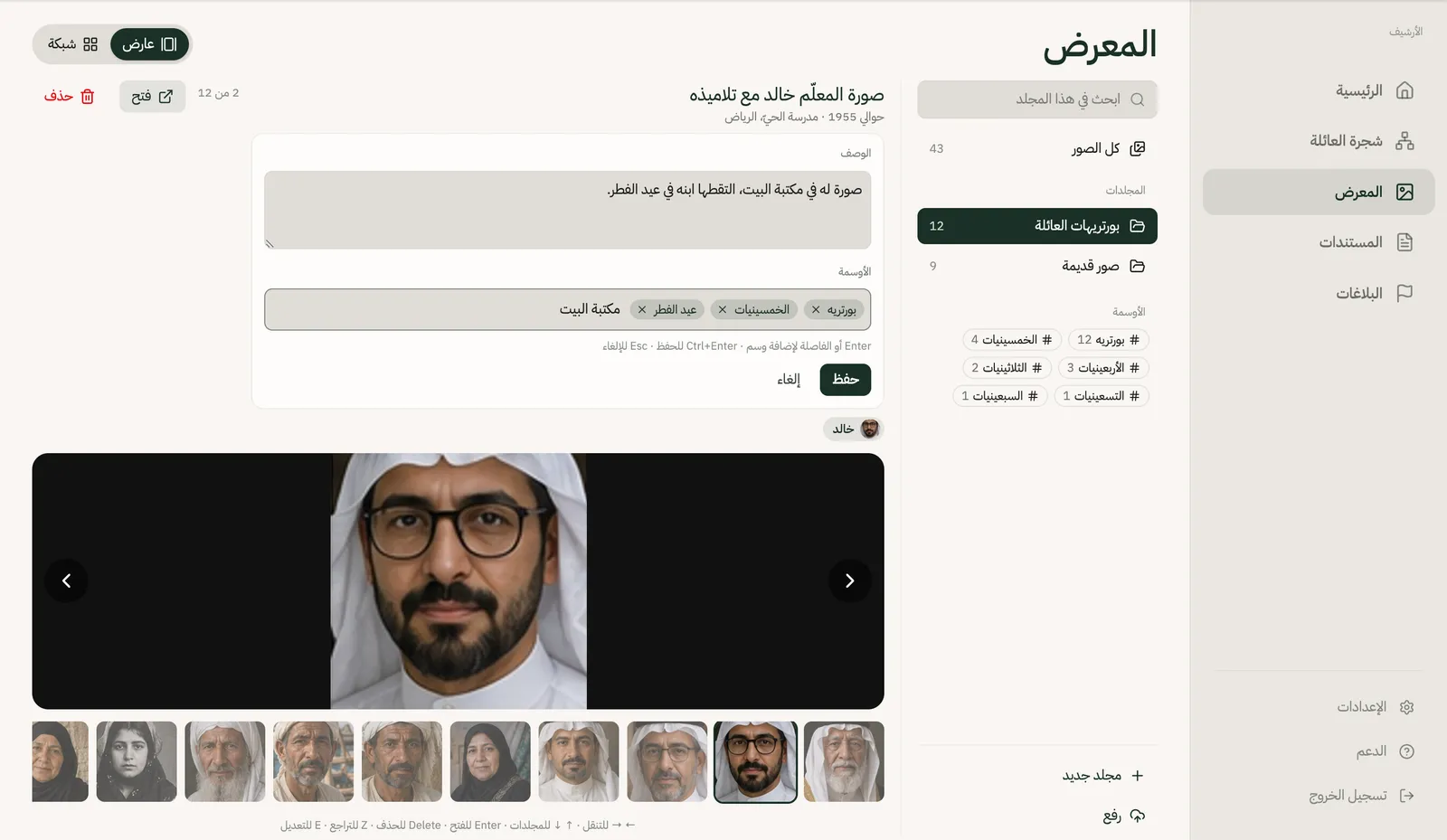
Faces: a suggestion, not a decision
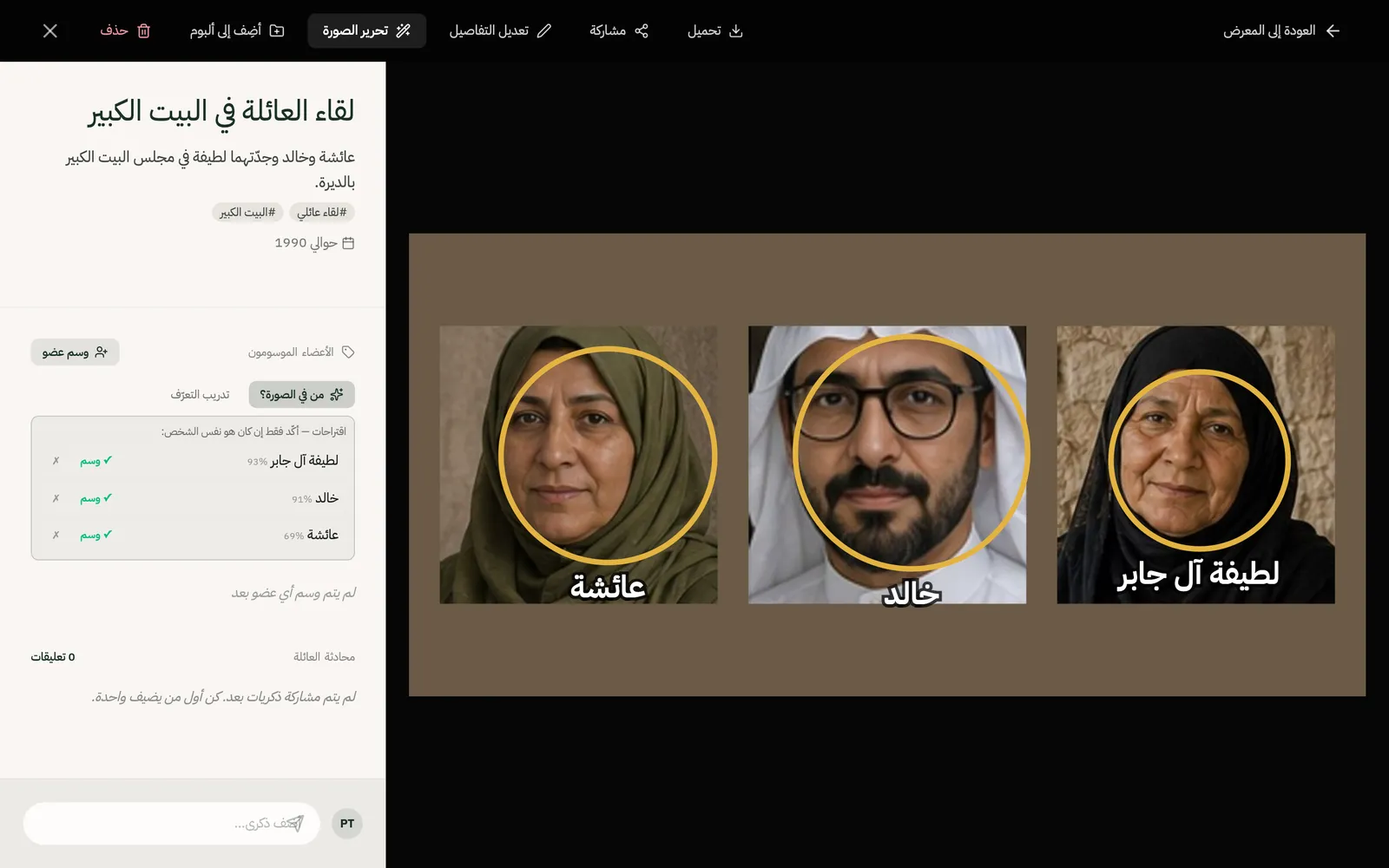
When you name a person's face in a photo, Nasayeb learns it within your tree, then suggests the name in other photos with a confidence score. Nothing is confirmed until one of you accepts it. Recognition stays inside your tree: your family's faces are never compared with another family's. Face suggestions are part of Premium.
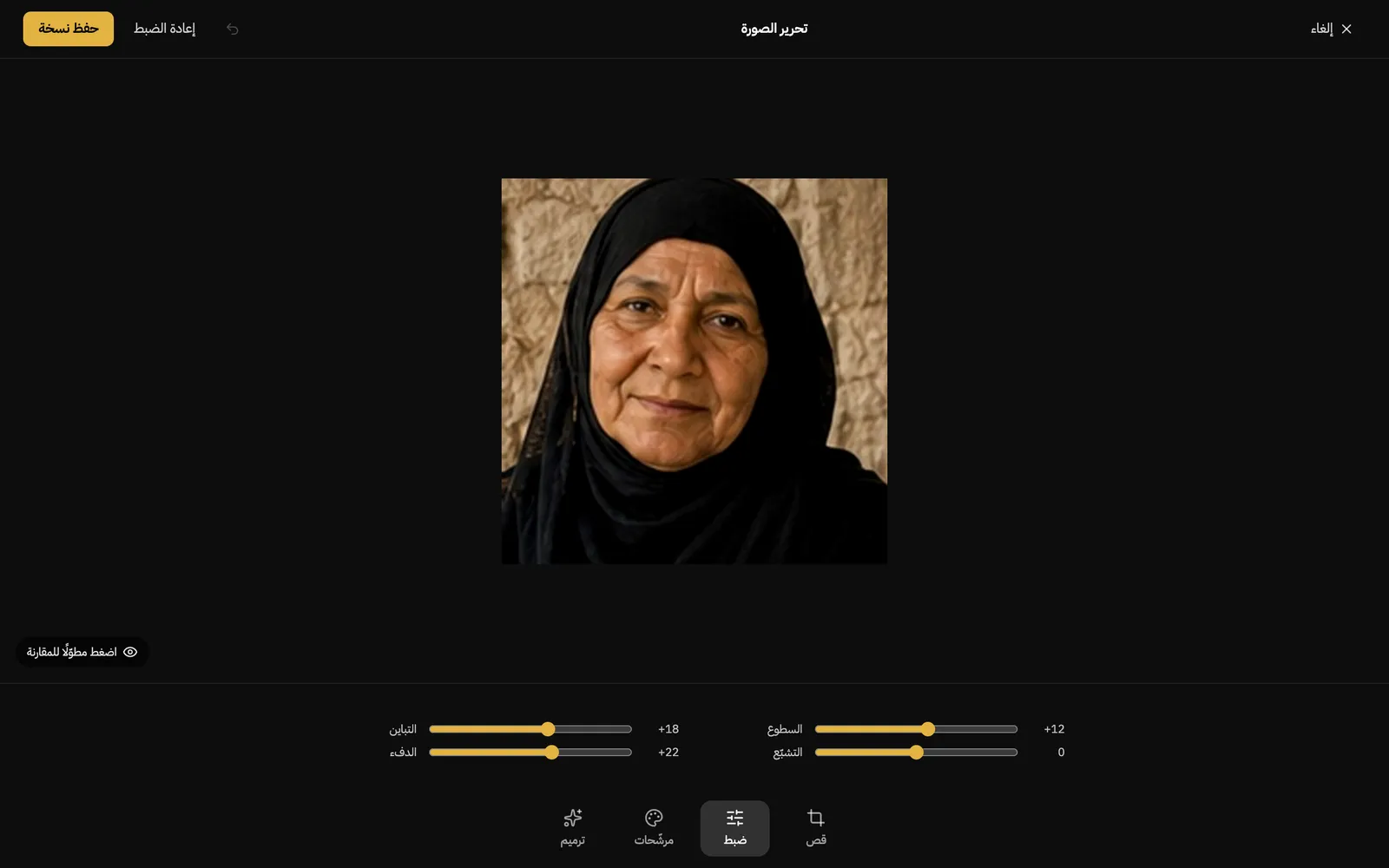
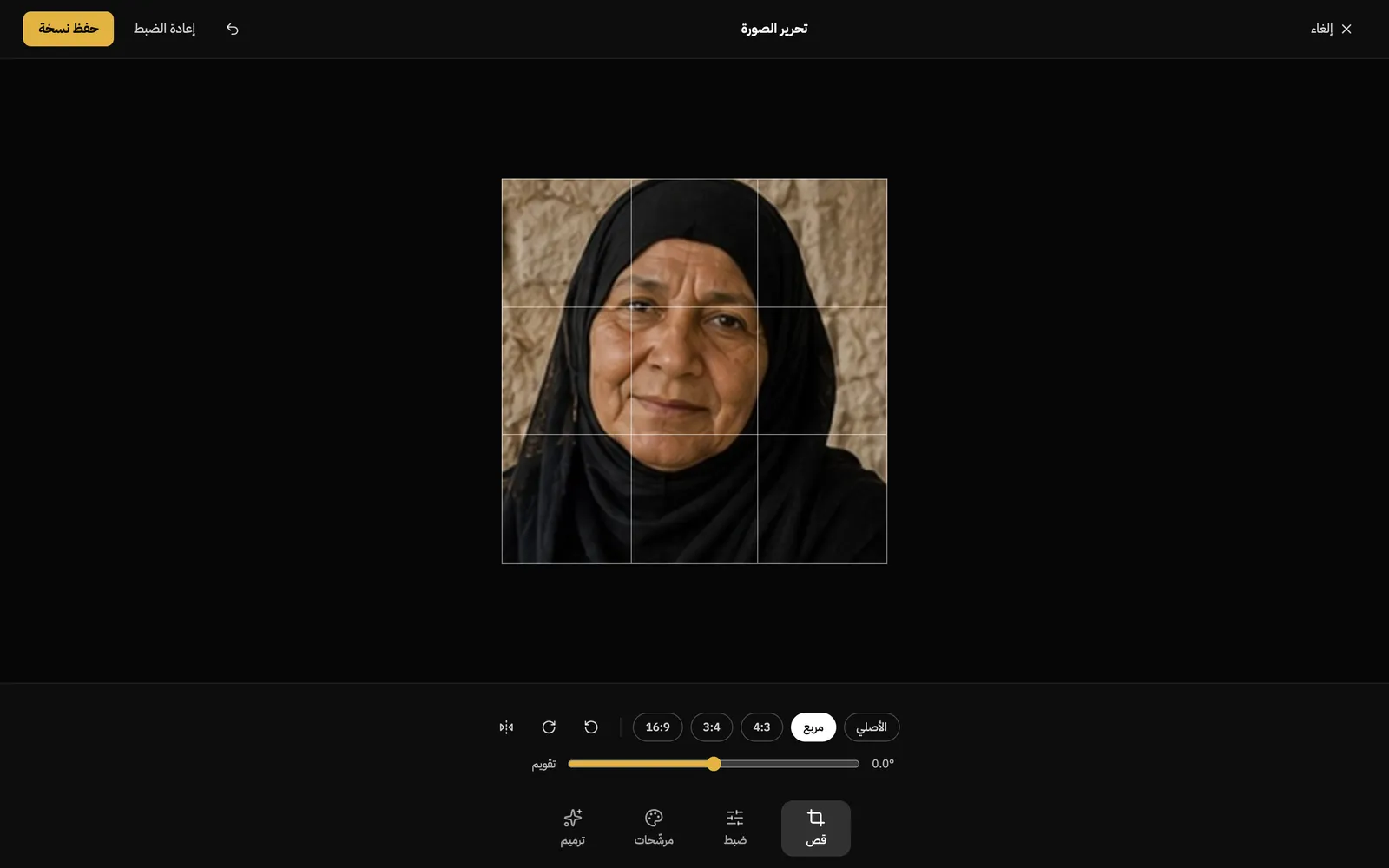
The photo editor
Crop and rotate, adjust brightness, contrast and warmth, and try the filters. Edits are saved as a new copy, and the original stays as it was. Crop and rotate are free for everyone; light, colour and filters are part of Premium.
Photos on the person's page
Every photo a person is tagged in appears on their page under “Gallery”, next to their biography, voices, documents and places.
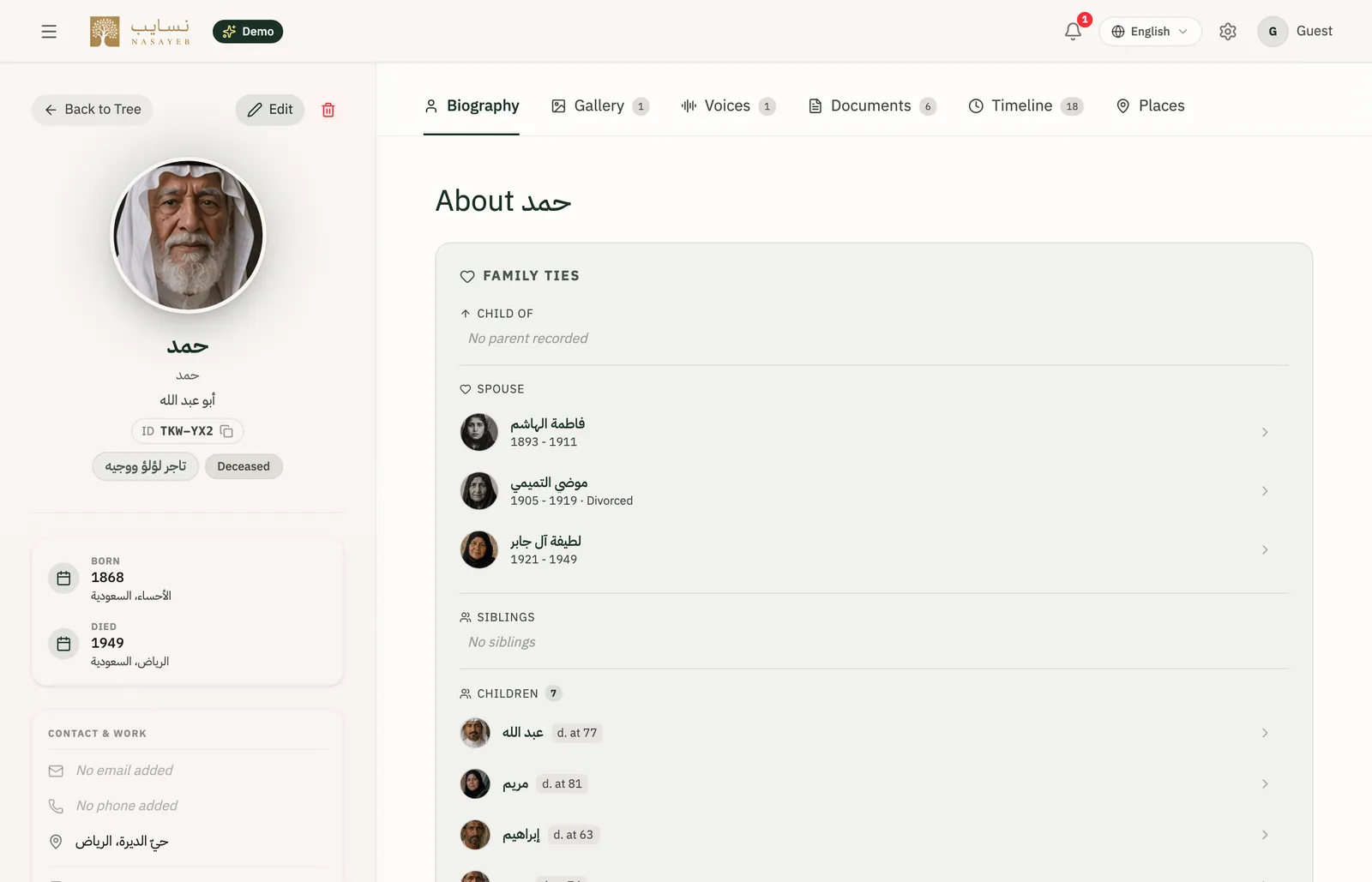
Photo privacy
Photos are part of your tree, seen only by people with access to it. When a photo is uploaded, the hidden location and date data inside it is removed, unless you choose to keep it.