Invite your family, and see who joined and what they added
No one completes a family tree alone. Every branch has someone who knows more than the rest: the uncle who remembers his mother's side, the aunt who knows who married whom. So in Nasayeb an invitation starts from the person in the tree.
Invite from the person's card
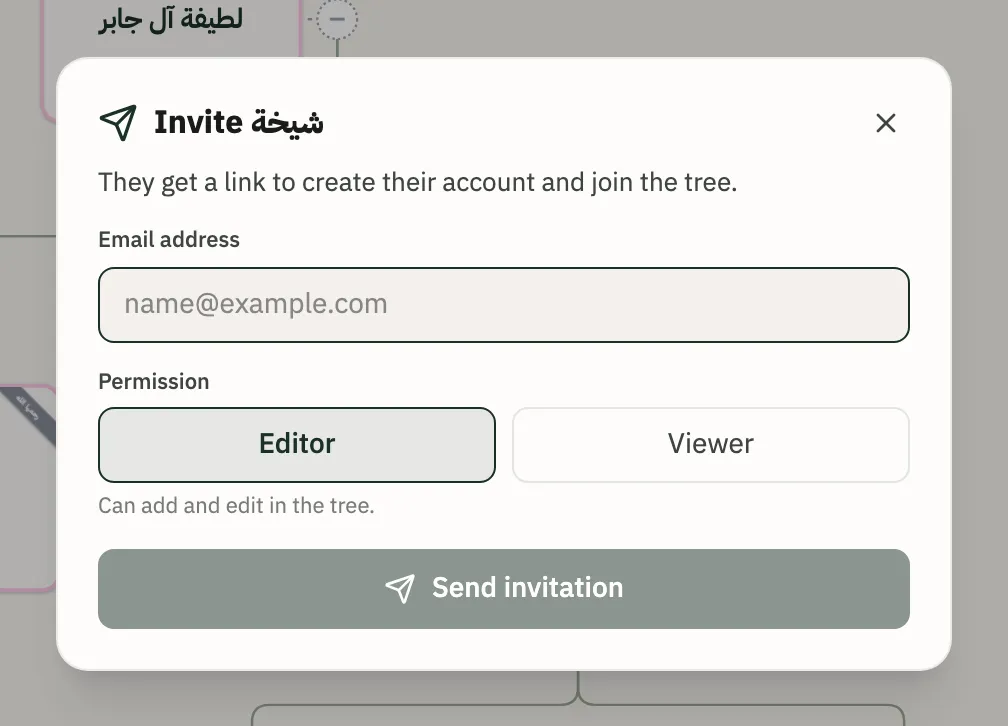
Pick the person in the tree, press “Send invitation”, enter their email and choose their permission: Editor adds and edits, Viewer reads, comments and suggests corrections. They receive a link to create their account and join the tree, already linked to themselves in it. Because you invited them, their account starts verified, with no waiting.
Where is each invitation?
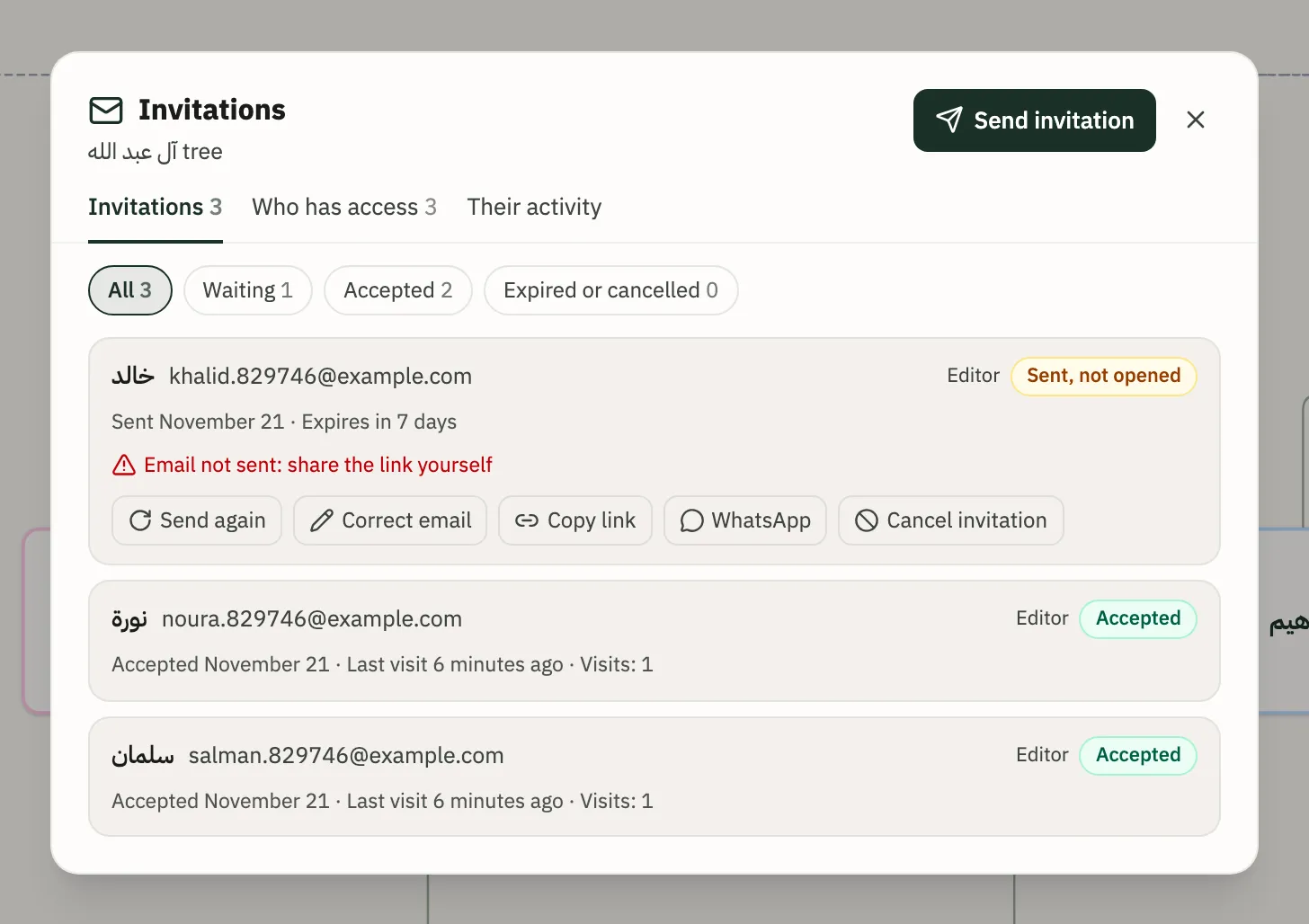
Under “Invitations” you see every invitation and its status: sent but not opened, opened, accepted, expired or cancelled. If you mistyped an email, correct it on the same invitation: a new link goes out and the old one stops working at once. If the email does not arrive, copy the link or send it on WhatsApp.
“Their activity”: a report for the owner only
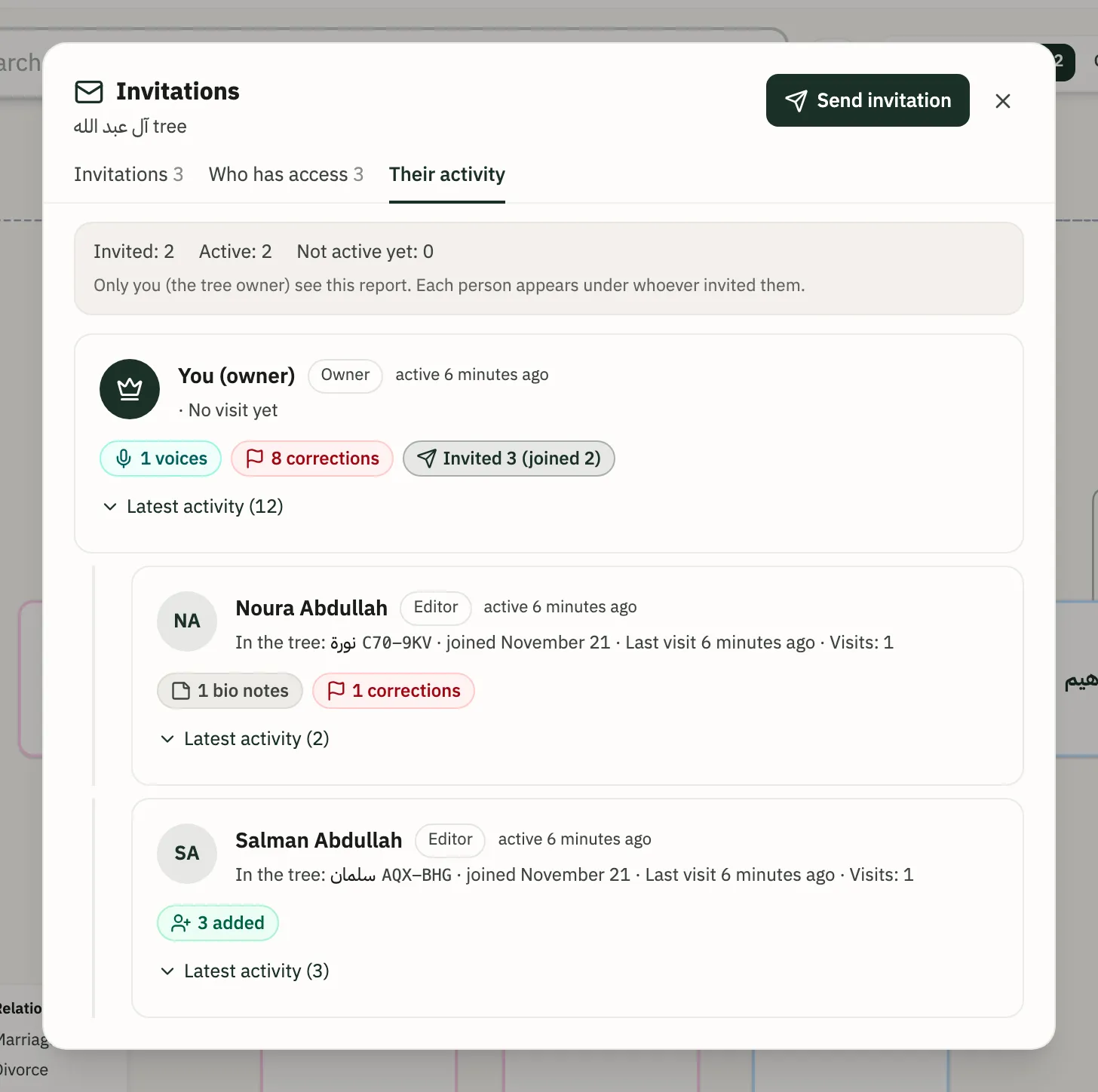
New in version 1.6.0 is the “Their activity” tab. It lists everyone with access to the tree, each under whoever invited them, with when they joined and last visited, and what they did in this tree: people added, edited or removed, marriages, biography notes, photos, recordings and documents, comments, corrections, occasions and invitations. Under each person are their latest actions.
Only the tree's owner sees this report; the invited people never do. The point is to know where the tree is growing and who could use some encouragement, not to watch anyone.
Who has access
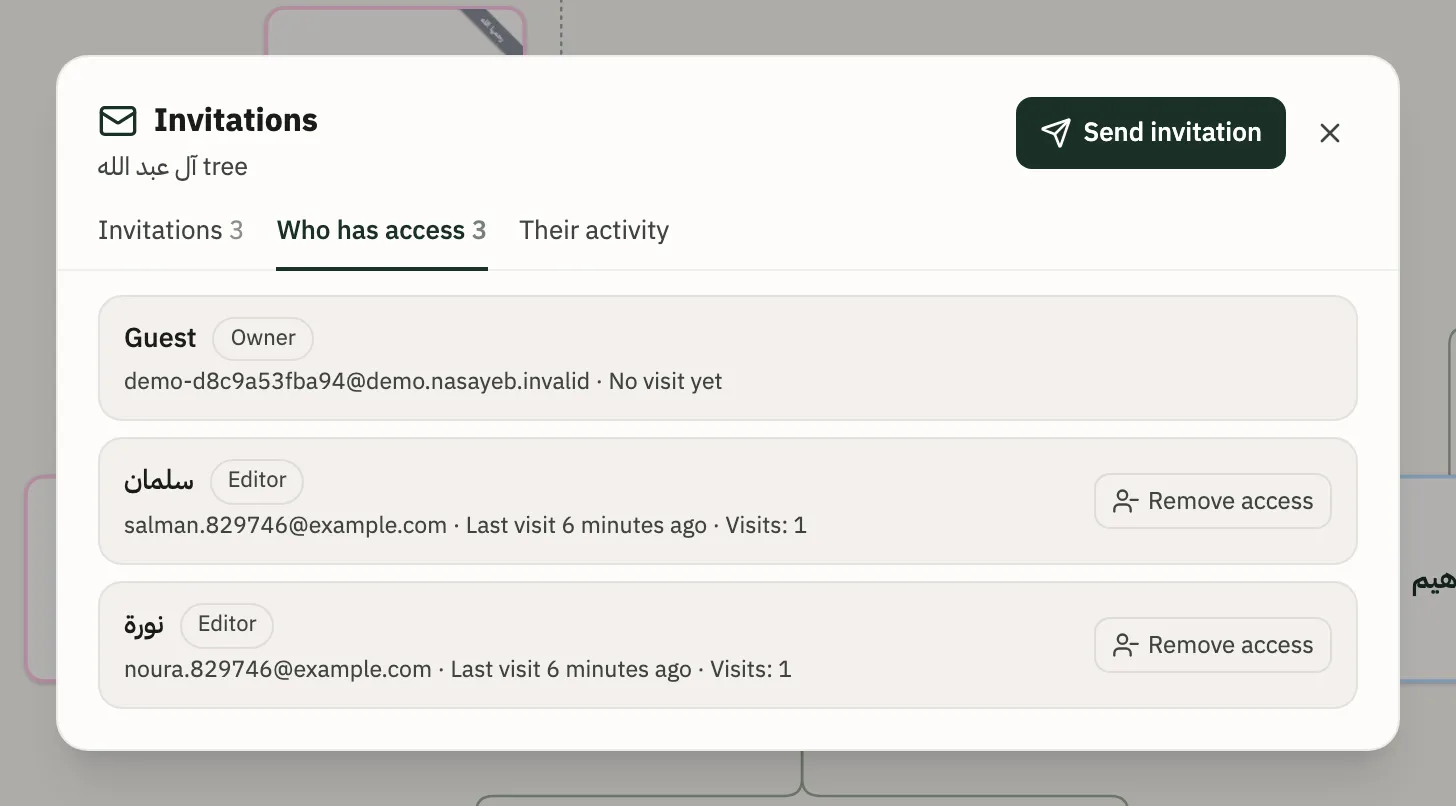
Under “Who has access” you see every account in the tree and its permission, and you can remove anyone's access whenever you like, except the owner's.