
Family voices: the elders' stories kept with the tree
Every family has a voice it wishes it had recorded: a grandfather telling of his travels, a grandmother naming her brothers and sisters, an uncle remembering the old family house. “Voices” is where those recordings live in Nasayeb, next to the tree rather than far from it.
Record, or upload
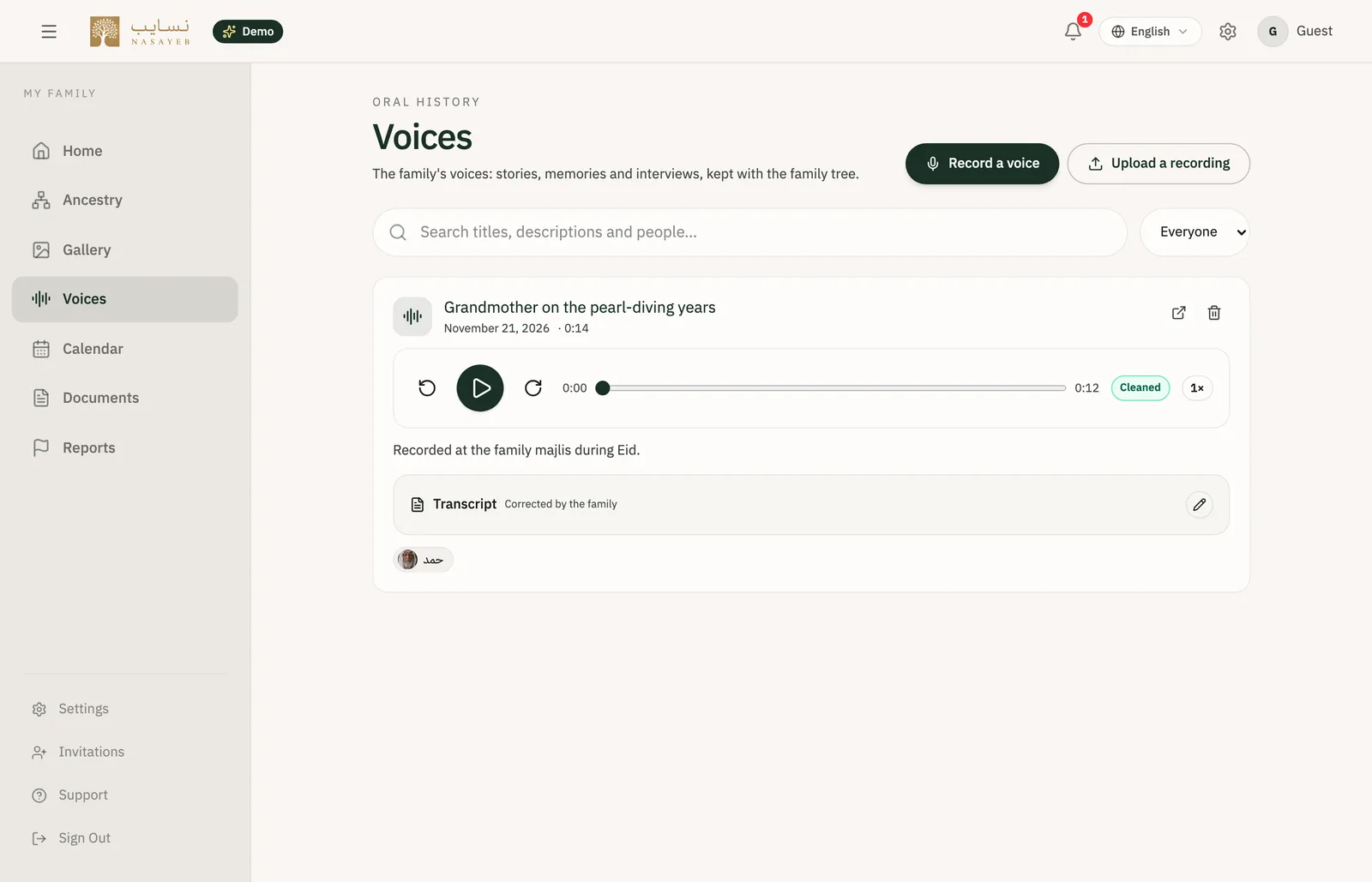
On the Voices page, press “Record a voice” to record straight from your phone, or “Upload a recording” for an old one, even a WhatsApp voice message. Give it a title and a description: when and where it was recorded, and who is speaking.
The transcript
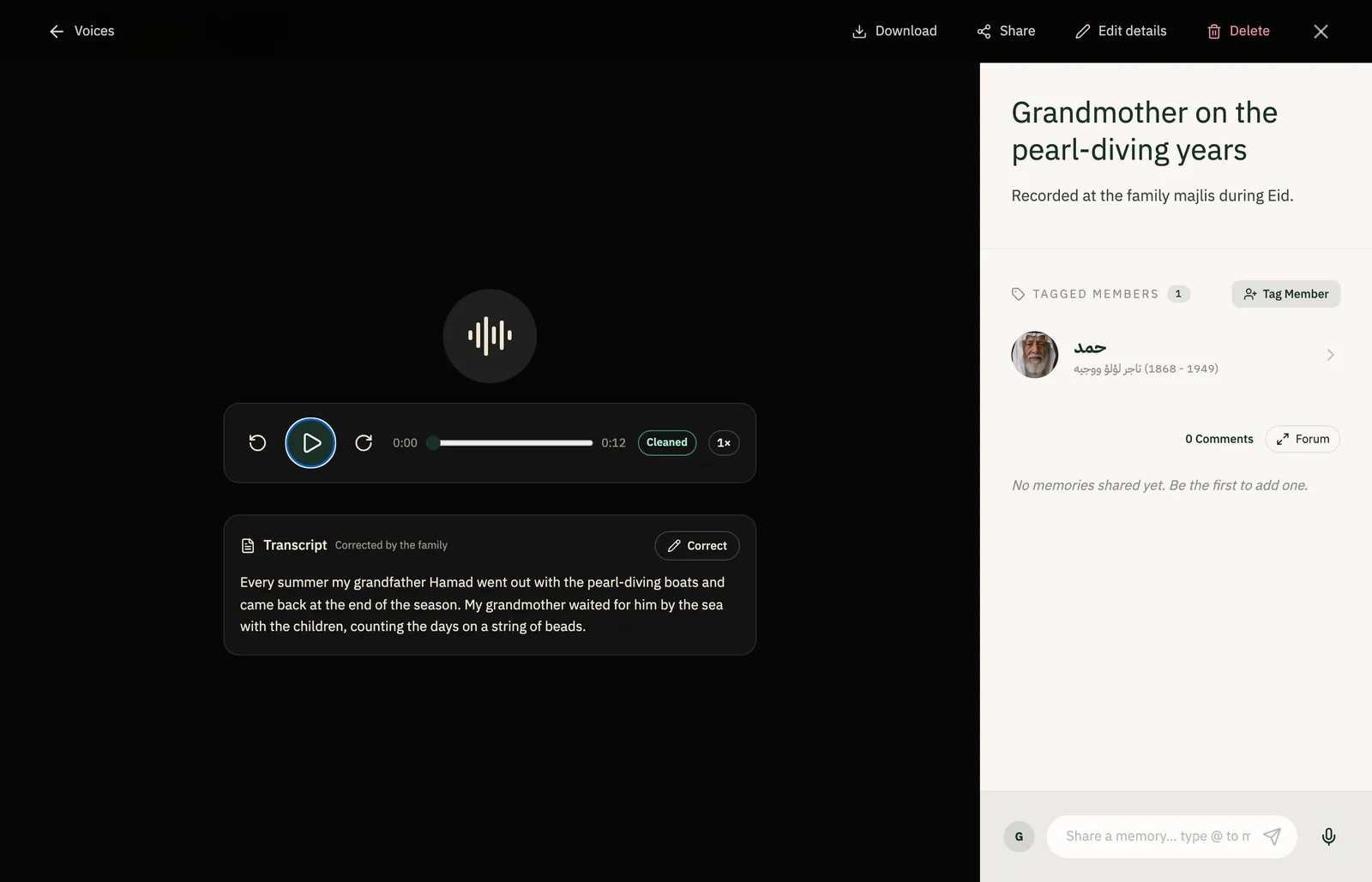
Every recording has a written transcript beneath it, for those who cannot listen, and for searching. The family writes and corrects it: whoever knows the names and the dialect fixes what is wrong, and the transcript shows that the family corrected it. If several people speak, name each voice and link it to that person in the tree.
The voice with the person
Link a recording to the person it is about, and it appears on that person's page under “Voices”. Anyone who visits grandfather Hamad in the tree finds his story in the voice of someone who knew him.
Tips for recording
- Record somewhere quiet, with the phone close to the speaker.
- Start with a simple question: “Who were your neighbours?” or “What was Eid like when you were young?”
- At the start, say the date and the speaker's name.
- Do not rush. The best things are often said after a short silence.
Who can listen?
Recordings are part of your tree: only people with access to it can hear them.