
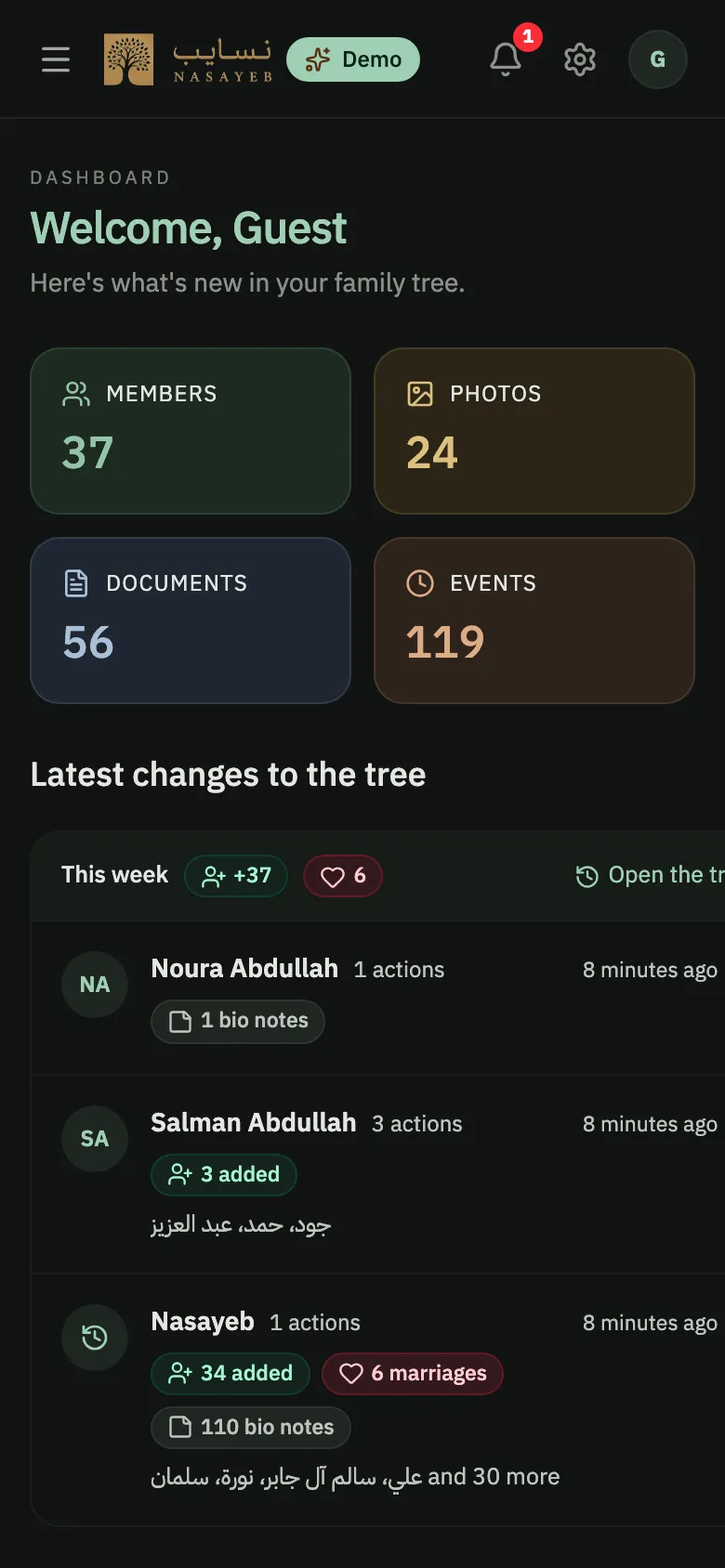
Nasayeb in dark mode
Many of us open the family tree at night, once the house is quiet, or in a softly lit majlis. So Nasayeb now has a dark mode that is easy on the eyes.
Three choices
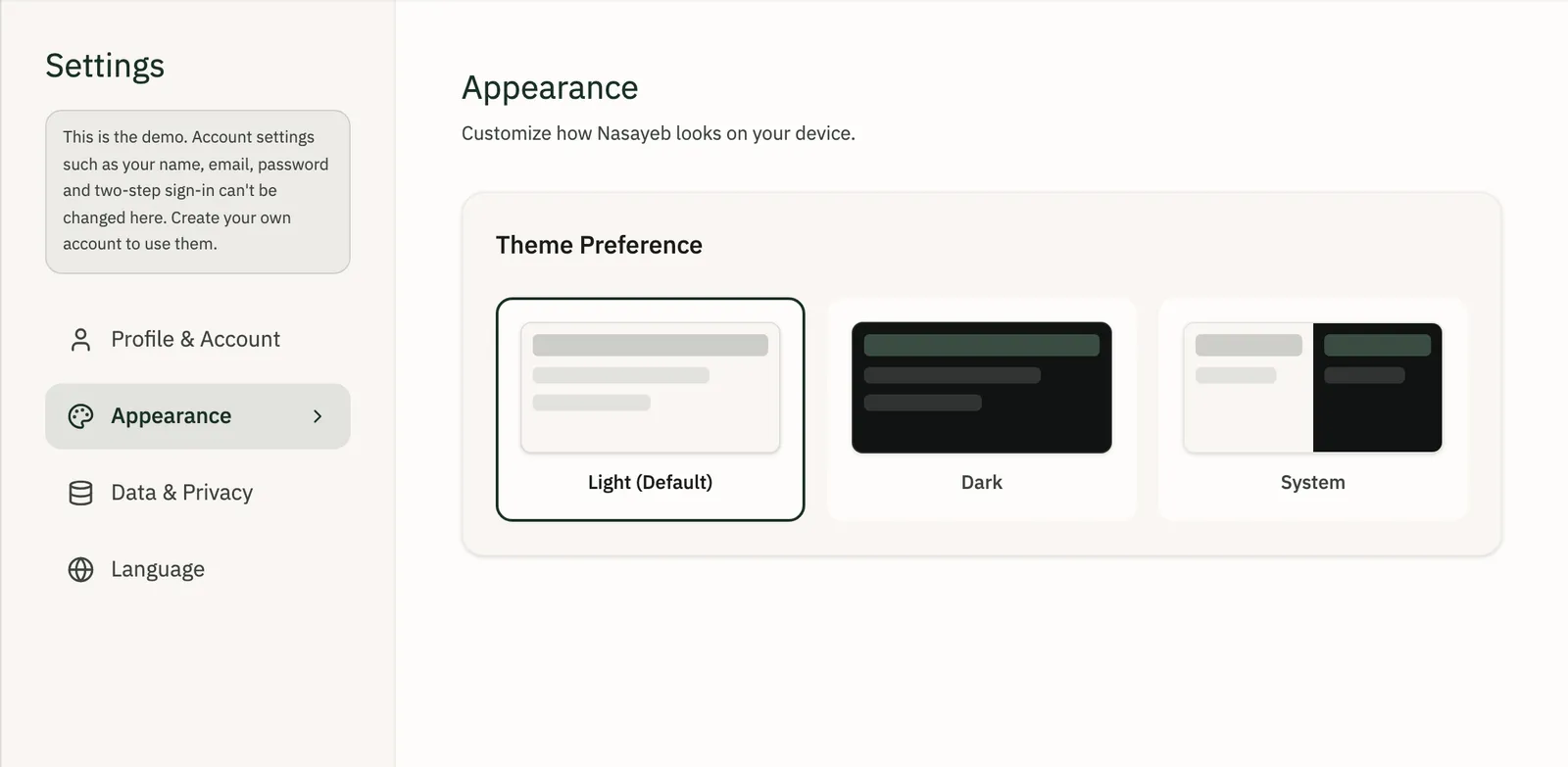
In Settings, then Appearance, choose Light, Dark, or System, which follows your phone or computer and changes when it does. The choice is saved on your account, so it follows you to every device you sign in from, and it applies from the first moment with no white flash.
Every screen
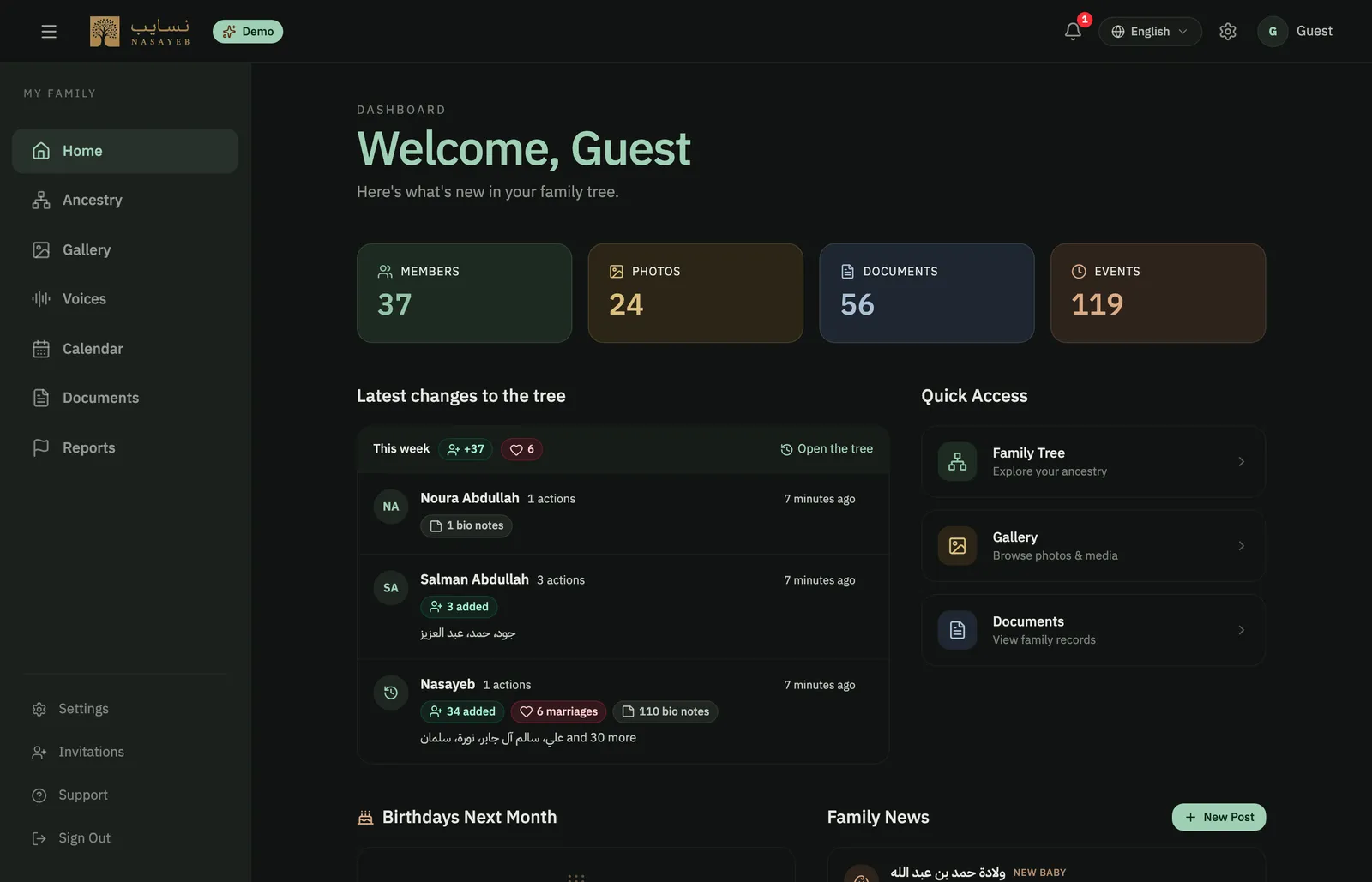
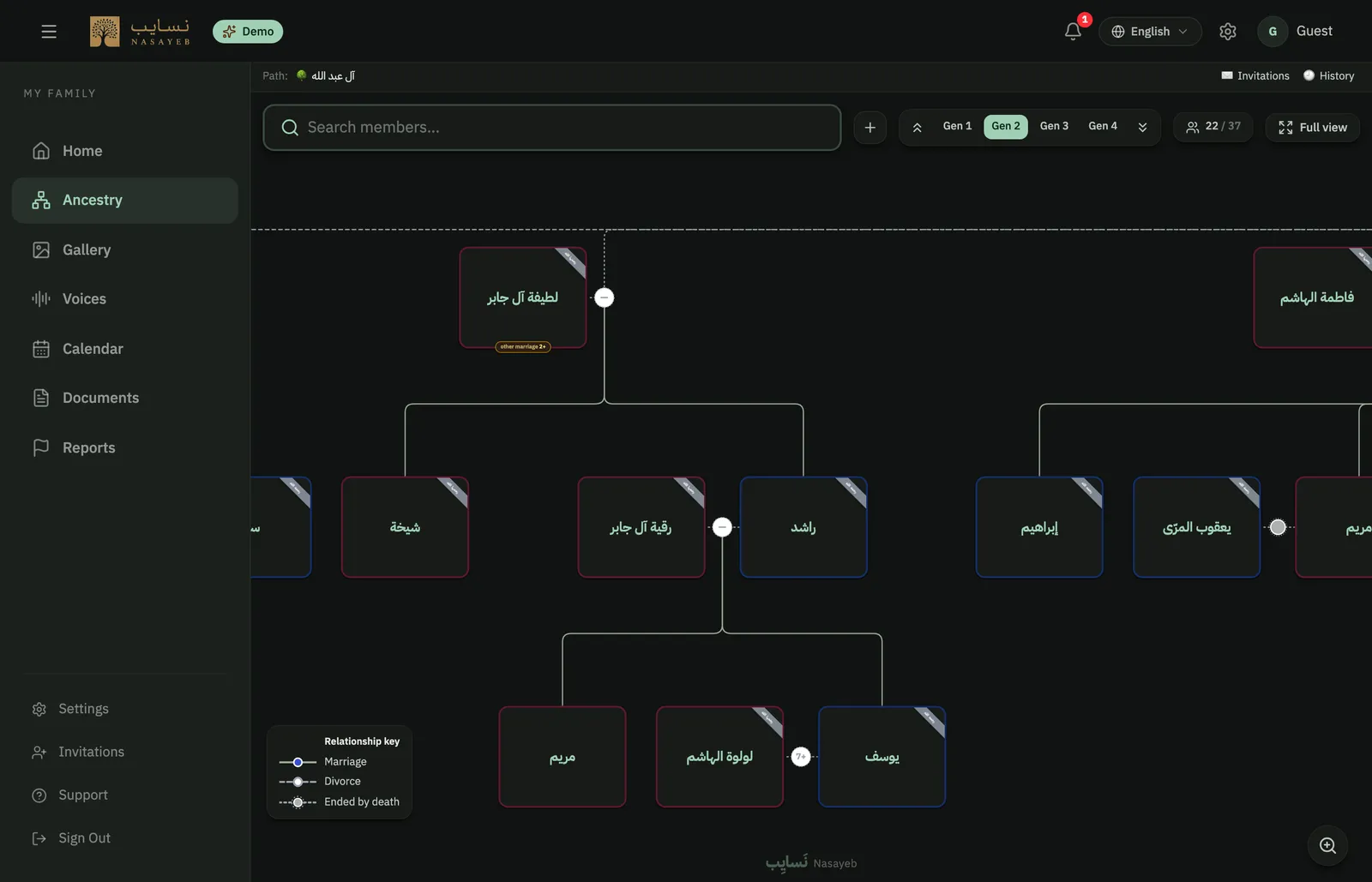
Dark mode covers the whole platform: home, the tree and its editor, people's pages, the gallery, voices, calendar, documents, settings and the invitation page.
On the phone
Light on purpose
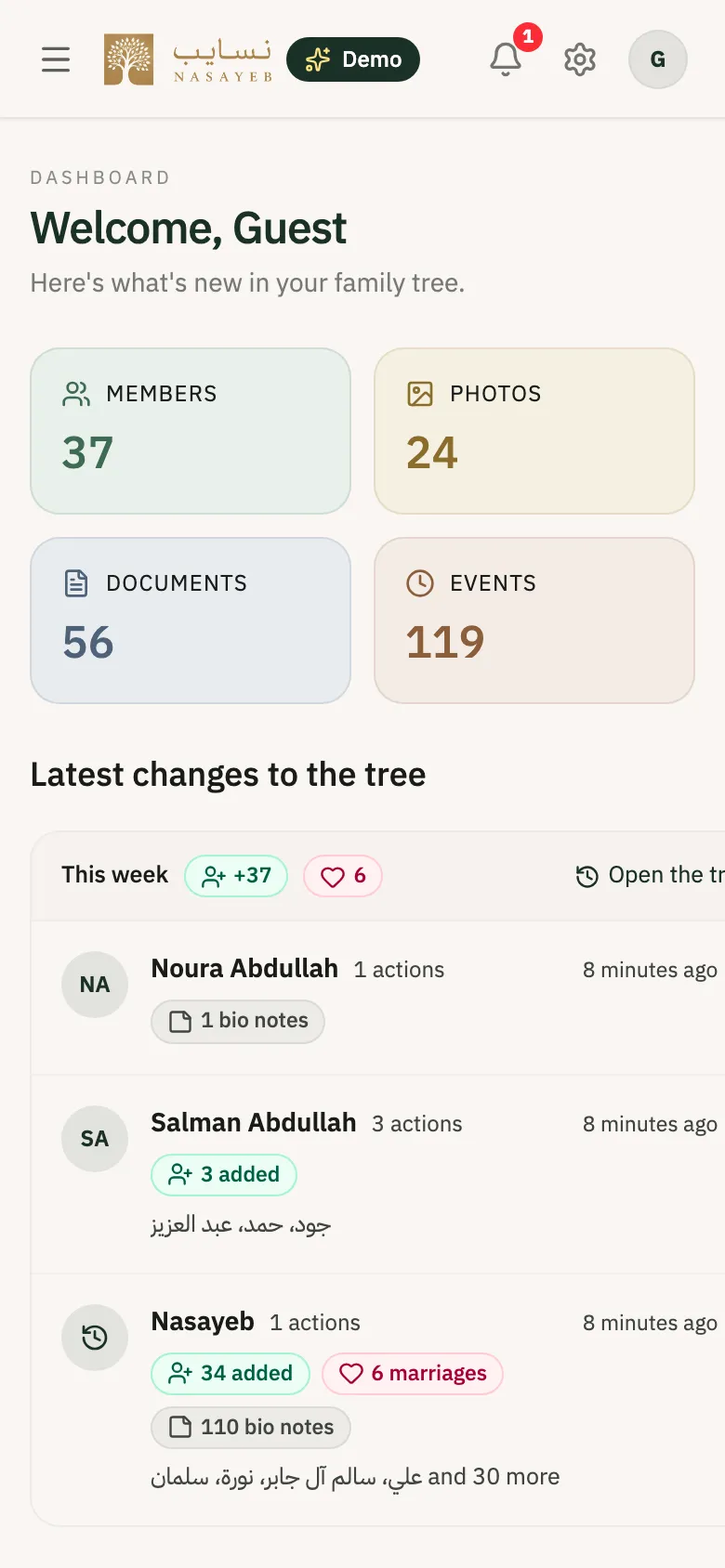
Some things read better on white, so we left them that way: QR codes, document previews, and the controls over photos. The Places maps and the public trees stay light for now.